Same account
Shared login between webapp and extension — no new signup needed.
BROWSER EXTENSION
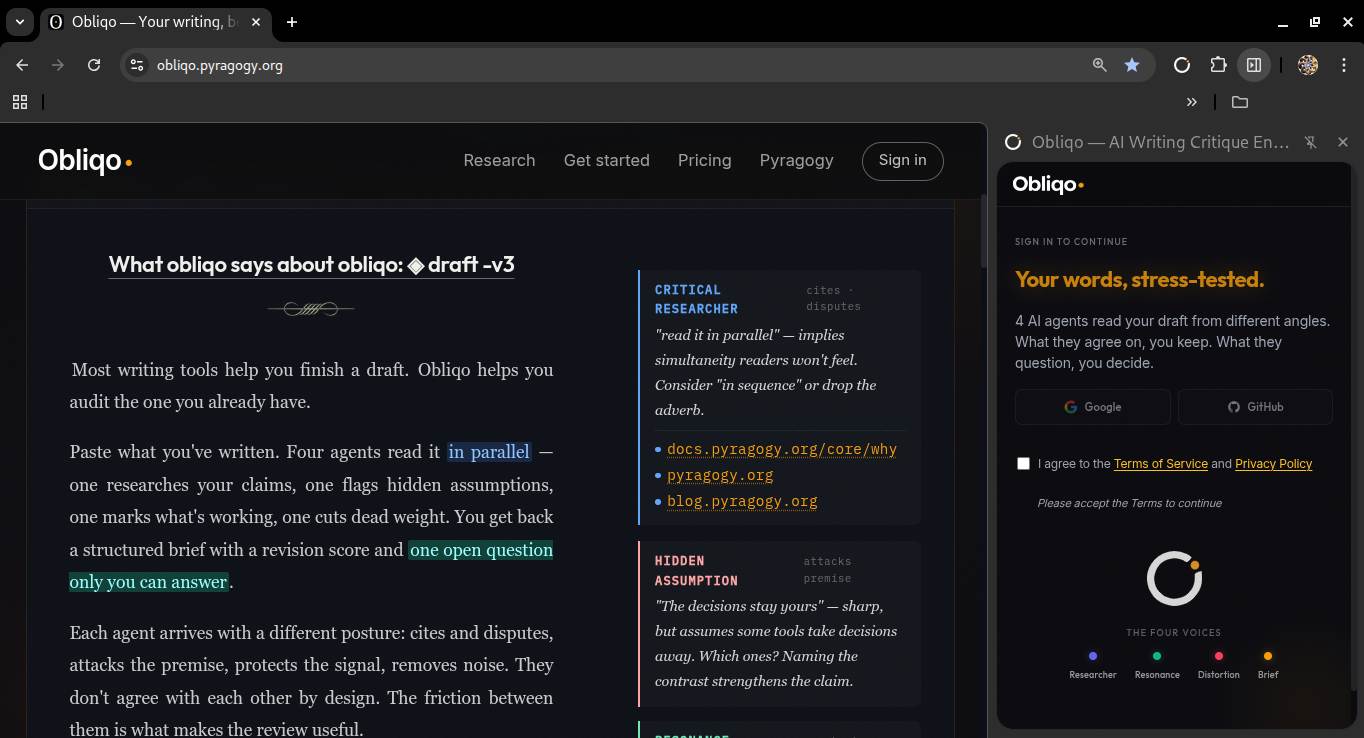
Friction Orchestra as a browser extension.
Same engine, same account, different context.
The extension was retired with the standalone product. The engine continues in the open-source framework.
Parallel
Same account
Shared login between webapp and extension — no new signup needed.
Same quota
Extension runs count against your account quota.
Same 4 voices
Fact-Checker · Audience Advocate · Devil's Advocate · Editorial Lead. Full Friction Orchestra, not a stripped-down version.
The account system is retired — the engine now lives in Pyragogy.
Three steps
The Obliqo icon docks to your browser toolbar. One click and it's there, ready when you need it.
Highlight any text on the page → "Send to Obliqo" appears. Or click the icon to open the side panel and paste directly.
The 4 voices appear in the side panel. You keep writing in the page, the review stays right there.
Two paths
Extension — when you're writing in your browser and want feedback without leaving the page.
Webapp — when you have a longer text and want the full experience with history, archive, annotated export.
FAQ
Get started
Create your Obliqo account. The extension is available now on the Chrome Web Store and installs in one click.
Explore Pyragogy →